How to Create an Online Menu for Your Restaurant in Nigeria
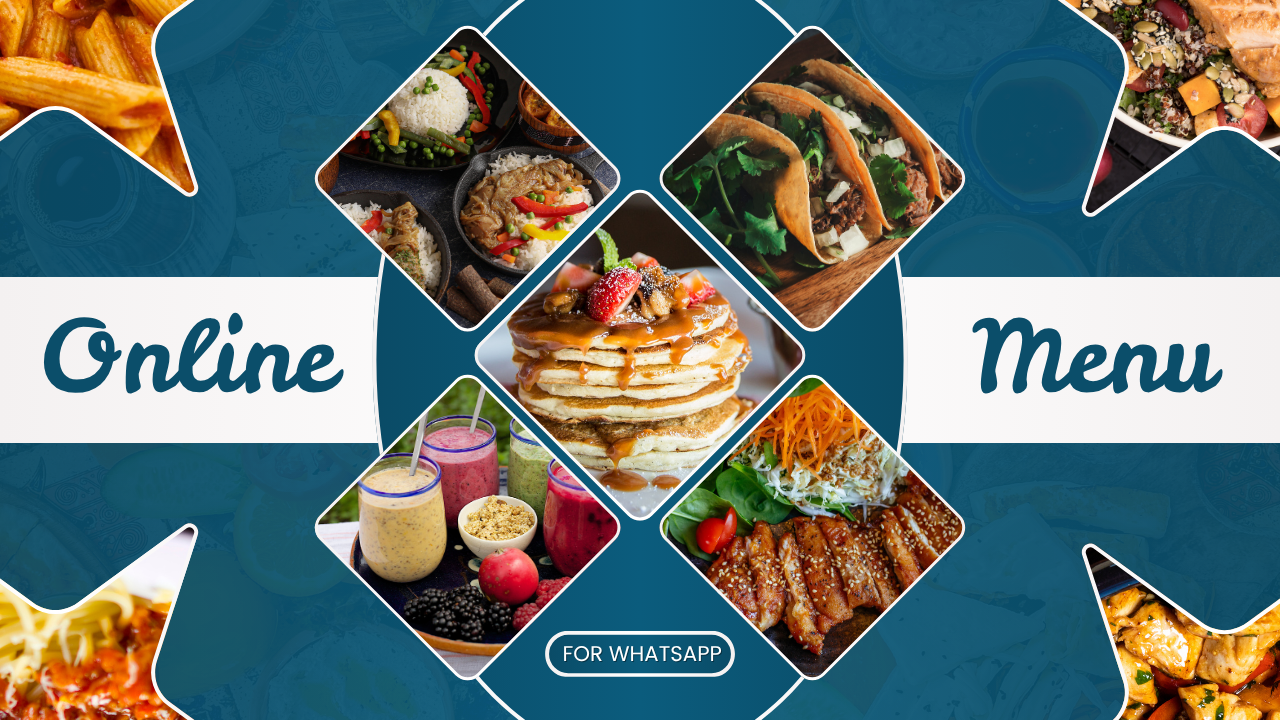
Whether you're already tired of sending menu pictures in DMs or you're setting up your restaurant's online presence for the very first time, an online menu changes everything. It gives your customers one simple, professional place to browse your meals before sending their orders straight to your WhatsApp.
In this guide, we'll show you exactly how to create an online menu for your restaurant in Nigeria.
A customer sees your food on Instagram or WhatsApp Status and sends:
“Please send your menu.”
You send several pictures.
Then they ask:
“How much is this?”
Then:
“Is it available?”
Then:
“How do I order?”
Then:
“Do you deliver to my area?”
If this happens every day, an online menu can save time by giving customers the information they need before they contact you. And if you're just taking your restaurant online, it gives you a professional digital presence from the start.
An online restaurant menu gives your customers one place to see your food, prices and other important information before they contact you.
And with a solution like Vado, you can go beyond simply displaying a menu. Customers can browse your Store, add food to a cart, provide their order details and continue to place the order through WhatsApp.
This guide explains how to create an online menu for your restaurant in Nigeria, how to share it with customers, and how an online menu can become part of your wider digital marketing.
What Is an Online Restaurant Menu?
An online restaurant menu is a digital version of your restaurant's menu that customers can access through a web link on their phone.
Instead of sending several food pictures or PDF files whenever someone asks for your menu, you give them one link.
That link can be shared through:
- WhatsApp Status
- Google Business Profile
- QR codes
- NFC
- Flyers
- Food packaging
- Business cards
- Online advertisements
- Word of mouth
The customer opens the link and browses your restaurant's menu from their phone.
For a Nigerian restaurant that already gets customers through WhatsApp and social media, this creates a much simpler path from discovering your restaurant to deciding what to order.
Why Should a Nigerian Restaurant Have an Online Menu?
Your menu is one of the first things a potential customer wants to see.
They want to know:
- What do you sell?
- How much does it cost?
- What options are available?
- Where are you located?
- When are you open?
- How can I order?
Without an online menu, the customer may have to ask you these questions one after another.
An online menu can answer many of these basic questions before the conversation begins.
This is especially useful if your restaurant gets customers from Instagram, Facebook, TikTok, WhatsApp Status, referrals or online advertising.
Instead of making every interested customer start from zero, you give them somewhere to go.
What Should You Put on Your Online Restaurant Menu?
A good online menu should make it easy for customers to understand what you offer and decide what they want.
Here are some of the things you should consider including.
1. Your Restaurant Name and Branding
Make it immediately clear whose menu the customer is viewing.
Include your restaurant name and, where appropriate:
- Logo
- Restaurant images
- Short business description
- Brand information
Your online menu should feel like an extension of your restaurant.
2. Food Categories
Don't put every item into one long list.
Organize your menu into categories that make sense for your business.
For example:
- Rice
- Swallow
- Soups
- Chicken
- Grills
- Burgers
- Snacks
- Drinks
- Combos
The categories will depend on the type of restaurant you operate.
Good organization makes browsing much easier, particularly on a mobile phone.
3. Food Images
Clear food images can help customers understand what they're considering.
You don't necessarily need professional photography for every item, but your images should be clear and accurately represent the food you serve.
4. Product Names and Descriptions
Use names customers can understand immediately.
For example:
Jollof Rice & Grilled Chicken
Nigerian jollof rice served with grilled chicken.
Keep descriptions useful and concise.
5. Prices
Make your prices easy to find.
Customers shouldn't have to send you a WhatsApp message simply to ask how much a meal costs if the information can already be displayed on your menu.
6. Restaurant Information
Depending on your business, you may also want to include:
- Opening hours
- Location
- Contact information
- Delivery information
- Pickup options
- Payment information
- Ordering instructions
The goal is simple:
Give customers enough information to take the next step without having to ask you ten questions first.
How to Create an Online Menu for Your Restaurant
There are several ways to create an online restaurant menu.
You could build a traditional restaurant website, use a digital menu platform, create a simple webpage, or use an online Store designed around products and ordering.
For many small Nigerian restaurants, the most important thing isn't having a complicated website.
It's having a professional, mobile-friendly online destination where customers can see what you sell and easily start an order.
Here's a practical way to approach it.
Step 1: Prepare Your Menu
Gather the information you want customers to see.
Prepare:
- Restaurant name
- Logo
- Food categories
- Product names
- Food images
- Prices
- Descriptions
- Opening hours
- Location
- WhatsApp number
- Ordering information
Having everything ready makes the setup process much easier and faster.
Step 2: Organize Your Food Into Categories
Think about how your customers naturally look for food.
If you sell rice, chicken, drinks and snacks, create categories that allow customers to find these products quickly.
Don't make customers scroll through an unnecessarily long list.
Step 3: Add Your Products and Prices
Add each food item with its relevant image, description and price.
If your menu contains different sizes or options, organize them clearly so customers understand what they're selecting.
Step 4: Make Your Menu Mobile-Friendly
This is extremely important.
Your customers may discover your restaurant from Instagram, WhatsApp Status, Facebook or an online advertisement. They will often open your menu directly from a smartphone.
Your menu should therefore be easy to browse on a small screen.
Customers shouldn't have to download a large file or constantly zoom in simply to find the price of a meal.
Step 5: Give Customers an Easy Way to Order
Displaying your food is only part of the process.
Once a customer has decided what they want, there should be an obvious next step.
For a WhatsApp-focused restaurant, that journey can be:
Browse → Add to Cart → Enter Order Details → Place WhatsApp Order
Vado Store can also support different ordering methods, depending on how the restaurant has configured its Store, such as:
- Order for Delivery
- Take Away
- Dine In
The exact ordering workflow depends on the restaurant's setup.
The important thing is that your online menu should make it easier for the customer to move from looking at your food to taking action.
Create Your Restaurant Online Menu With Vado
If your restaurant already uses WhatsApp to communicate with customers, Vado Store can give you an online menu and ordering storefront without requiring you to build a traditional restaurant website from scratch.
You can add your food products, organize them into categories, display images and prices, and give customers a mobile-first place to browse your menu.
Your restaurant also gets a Vado Link— your personalized web address that you can share with customers.
For example:
Instagram → Vado Link → Vado Store
or:
WhatsApp Status → Vado Link → Vado Store
Customers can browse your products, add items to their cart, provide the relevant order information and continue the order through WhatsApp.
Vado Store includes WhatsApp Order Redirection, so WhatsApp can remain part of your ordering workflow.
You don't have to abandon the communication channel your customers already know.
What Does a Restaurant Vado Store Do?
The Vado Store experience is built around a simple customer journey:
Customer opens your Vado Link
↓
Sees your restaurant and products
↓
Browses categories
↓
Selects food
↓
Adds items to cart
↓
Provides order details
↓
Chooses the appropriate ordering option
↓
Continues the order through WhatsApp
This is different from simply uploading a PDF menu.
You're giving customers an interactive online Store that can take them from browsing to starting an order.
Vado Page vs Vado Store: Which One Does Your Restaurant Need?
Vado has both Vado Pages and Vado Stores, and they serve different purposes.
Vado Page
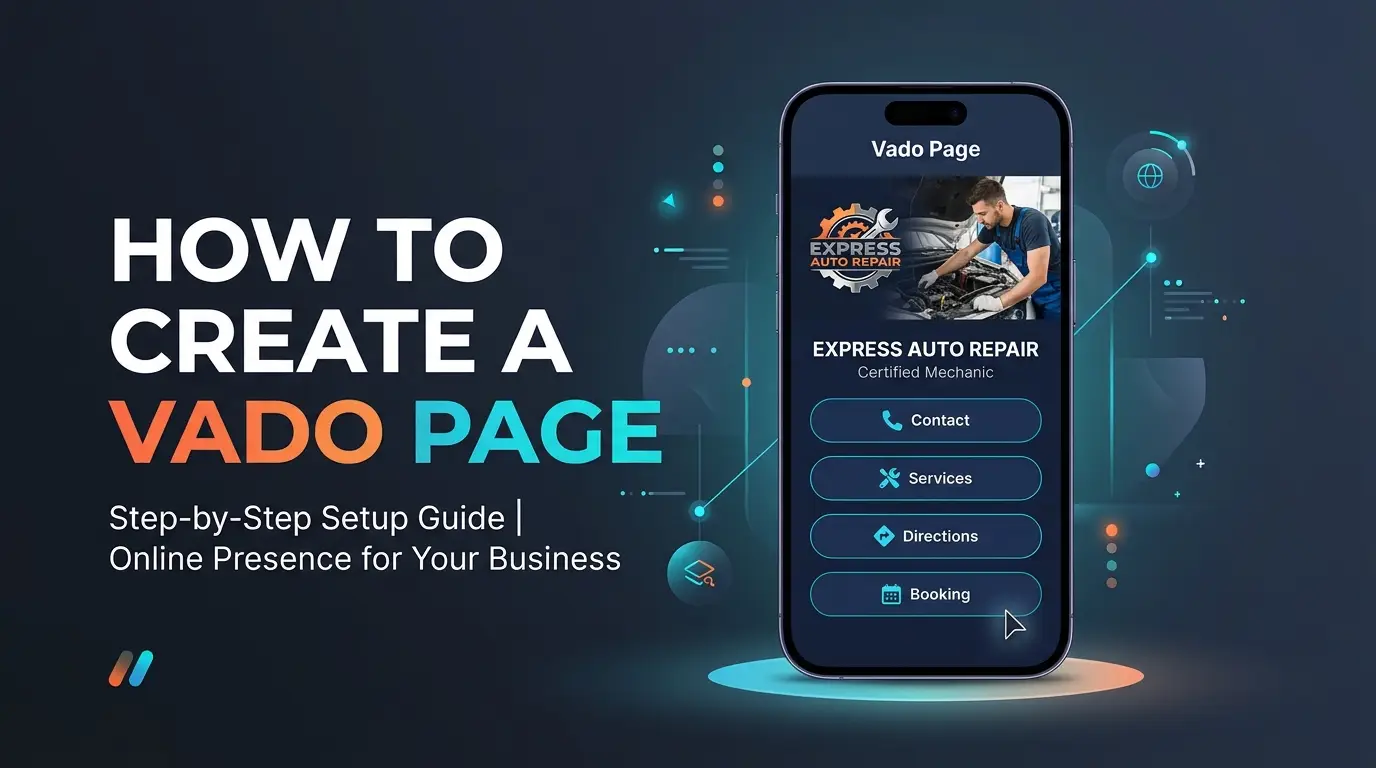
A Vado Page is designed primarily for your restaurant's professional online presence.
You can use it to showcase your business, brand, information, products, services, customer reviews, image galleries, contact options and other details customers may need.
Think of it as:
“This is our restaurant online.”
Vado Store
A Vado Store is focused more heavily on products and ordering.
You can showcase:
- Food products
- Categories
- Prices
- Images
- Cart
- Customer order information
- Ordering options
- WhatsApp ordering
Think of it as:
“This is our menu, and this is where customers can start an order.”
If your main goal is to establish a professional online presence, a Vado Page is your better starting point.
If your main goal is to put your food online and allow customers to browse, add products to a cart and continue their order through WhatsApp, a Vado Store is more appropriate.
Depending on your restaurant, you can also use both.
What Is a Vado Link?
Your Vado Link is your personalized web address.
Instead of repeatedly sending menu pictures or banners whenever someone asks what you sell, you can simply share your Vado Link.
For example:
“View our full menu here: [Your Vado Link]”
You can share the same Vado Link across your different marketing channels.
Put your Vado Link in your Instagram bio.
Share it in conversations and WhatsApp Status.
Add it to your business information and relevant posts.
Google Business Profile
Use it as an online destination where customers can learn more about your restaurant.
QR Codes and NFC
Use your Vado QR code or NFC sharing method to make your Vado Link easier to access from physical marketing materials and customer-facing locations.
The advantage is that you have one online destination rather than different menu files scattered across different platforms.
Want to Use Your Own Domain? You Can
Vado Link gives you a simple way to put your restaurant online without buying a domain. But if you already have a domain or want a fully branded web address, you can connect a custom domain with Vado Business Plan.
For example, instead of:
restaurant.vado.ng
you could use:
yourrestaurant.com
Your restaurant can still use Vado for its online presence, menu, products, ordering flow, and WhatsApp connection. The difference is that customers access it through your own branded domain.
Vado Link or Your Own Domain?
Vado Link:A simple, ready-to-use web address included with Vado.
Custom Domain:Your own branded web address with Vado Business.
Whether you're launching your restaurant online for the first time or already have a domain, Vado gives you the flexibility to build your online presence around your brand.
Turn Your Restaurant Menu Into an Installable App (PWA)
One of the standout features of Vado Store is the Installable App (PWA).
Your restaurant doesn't necessarily need to develop and maintain a separate Android or iPhone application just to give customers a more app-like way to access your online Store.
With Vado's Installable App feature, customers can install your restaurant on their device's home screen on supported devices and browsers.
Imagine a customer who regularly orders from your restaurant.
Instead of searching through WhatsApp conversations for an old menu or looking through Instagram for your latest post, your restaurant's Store can be available from their phone's home screen.
They open it.
They browse your menu.
They select their food.
They can then continue to place the order through WhatsApp.
That's a very different experience from sending a PDF menu every time someone wants to order.
Why Is the Installable App Important for Nigerian Restaurants?
Nigerian customers are already familiar with digital food platforms such as Glovo and Chowdeck.
Customers have become accustomed to discovering food businesses through digital platforms, browsing food and starting orders from their phones.
But your restaurant doesn't necessarily need to build a complex food-delivery platform to provide a digital experience of its own.
With Vado, your restaurant can have its own online Store with an Installable App experience, without having to build a restaurant app from scratch.
You're not trying to become a food-delivery marketplace.
You're giving your own restaurant a digital storefront that customers can return to.
For restaurants with repeat customers, this can make your digital presence feel much more like a dedicated restaurant application rather than simply another web page.
Use QR Codes to Share Your Restaurant's Vado Link
Your online menu doesn't have to be shared only through WhatsApp or social media.
You can also use your Vado QR code to make your restaurant's Vado Link easier to access from physical marketing materials.
For example, you could place your QR code on:
- Flyers
- Posters
- Business cards
- Food packaging
- Promotional materials
- Your restaurant's entrance or counter
A customer scans the QR code with their phone and is taken to your Vado Link, where they can browse your restaurant's online presence or Store.
The QR code is simply another convenient way to connect your physical marketing with your online restaurant presence.
And because the destination is your Vado Link, you don't have to print a different menu every time you update your online Store.
What About NFC?
QR codes aren't the only way to share your Vado Link.
You can also use NFC.
An NFC card or tag can be configured to open your Vado Link when a customer taps a compatible phone against it.
For restaurants, NFC could be useful for:
- Business cards
- Promotional materials
- Customer-facing displays
- Other physical marketing situations
The important thing is that different sharing methods can lead to the same destination:
QR → Vado Link → Vado Store
NFC → Vado Link → Vado Store
Instagram → Vado Link → Vado Store
WhatsApp → Vado Link → Vado Store
Your restaurant doesn't need a different menu for every marketing channel.
Why an Online Menu Can Be Better Than Sending Menu Pictures on WhatsApp
Sending menu pictures through WhatsApp is easy.
But it can become inconvenient as your menu grows.
Imagine having 40 menu items spread across 10 images.
A customer asks for the menu.
You send all 10 images.
The customer opens them one by one.
Then asks:
“How much is the family pack?”
Then:
“Do you still have this?”
Then:
“Can I order two?”
An online Store can reduce some of that unnecessary back-and-forth.
Customers can browse first.
They can see your products and prices.
They can select what interests them.
Then they can continue to WhatsApp when they're ready to order or need to ask a question.
The conversation becomes more focused.
Online Menu vs PDF Menu
PDF menus aren't necessarily bad.
They can still be useful for some businesses.
But if your restaurant frequently changes prices, products or availability, an online menu can be more convenient.
| Online Menu | PDF Menu |
|---|---|
| Opens through a web link | Opens as a document |
| Designed for online/mobile browsing | May require zooming |
| Can be updated centrally | Customers may keep old copies |
| Can connect to actions such as WhatsApp ordering | Usually functions primarily as a document |
| Can be shared through QR codes | QR code normally points to the PDF |
| Can support interactive product browsing | Usually static |
The biggest advantage is having one current version of your menu.
If you change the price of a meal, you update your online menu.
Customers visiting the same Vado Link can then see the updated information.
Keep Your Restaurant Menu Updated
Restaurant menus aren't always static.
You might:
- Change prices
- Add new meals
- Remove products
- Run promotions
- Temporarily run out of an item
- Introduce a new category
Your online menu should reflect what your restaurant is actually offering.
If customers see an old price online and discover a different price when they contact you, you've created confusion before the conversation even starts.
Make updating your online menu part of your normal business routine.
Whenever you change your actual menu, update your online version as well.
Your Online Menu Can Also Be the Destination for Your Digital Ads
Once your restaurant has an online menu, you don't have to use it only for people who already know your business.
You can use your Vado Link as the destination for your digital marketing campaigns.
For example, you can run targeted advertising through Meta platforms such as Facebook and Instagram and send interested customers directly to your Vado Link.
Instead of:
Advertisement → WhatsApp → “Please send your menu” → Menu pictures → Questions
you can create a simpler journey:
Advertisement → Vado Link → Vado Store → Browse Menu → Add to Cart → WhatsApp
You can promote a particular meal, special offer or restaurant campaign and send interested people directly to the place where they can see what you offer.
The same principle can apply to other digital marketing platforms where you can use a web link as the destination for your campaign.
Your Vado Link therefore isn't simply a menu address.
It can become the online destination for your restaurant's marketing.
Vado and Food Delivery Marketplaces
Restaurants may already know platforms such as Glovo and Chowdeck, and these platforms can serve a purpose.
But your restaurant having its own online Store is a different proposition.
A food delivery marketplace is a third-party platform where multiple businesses are presented to customers.
Vado gives your restaurant its own digital storefront.
The question therefore doesn't have to be:
“Should I use Vado instead of Glovo or Chowdeck?”
A better question is:
“Should my restaurant also have its own online ordering presence?”
If a customer discovers your restaurant through Instagram, WhatsApp Status, a QR code, NFC or an advertisement, you can send that customer directly to your own restaurant.
You control the products and information displayed there, and customers can continue their order through your WhatsApp.
The cost structure is also different.
Food delivery marketplaces may involve merchant fees, commissions or other costs depending on the platform and your particular arrangement with it.
Vado is a SaaS platform: you subscribe to Vado to have your own digital business presence and Store.
You can still use food delivery marketplaces where they make sense for your restaurant.
The point is that your restaurant doesn't have to depend entirely on somebody else's platform to have an online presence.
How to Share Your Online Restaurant Menu
Creating the menu is only half the job.
You need to make your Vado Link visible where customers already spend their time.
Instead of:
“DM for menu.”
you can say:
View our full menu through the link in our bio.
WhatsApp Status
Post:
Today's menu ↓
Then share your Vado Link.
WhatsApp Conversations
When someone asks:
“Please send your menu.”
You can respond with your Vado Link instead of sending multiple images.
Business Cards and Flyers
Add your Vado Link or QR code so people can access your restaurant online when they need it.
Food Packaging
Where appropriate, add a QR code or Vado Link to packaging so customers can easily find your Store when they want to order again.
Digital Advertisements
Use your Vado Link as the destination for appropriate campaigns and promotions.
The objective is to make your online menu easy to find wherever your customers find you.
Vado Store Features That Can Help Your Restaurant
A restaurant Vado Store comes with several features that can support this workflow.
Personalized Store Link
Your restaurant gets a dedicated web address — your Vado Link — that you can share with customers.
Mobile-first Design
Your restaurant is designed around mobile browsing, which is important when customers are opening your menu from their phones.
WhatsApp Order Redirection
Customers can move from browsing your Store to WhatsApp as part of the ordering process.
QR Code
Customers can access your Store by scanning your restaurant's QR code.
Installable App (PWA)
Customers can install your Store on Android and iPhone devices and access it from their device's home screen.
Homepage Slider
Use your Store's homepage area to highlight important promotions, meals or restaurant information.
Visitor Traffic Analytics
See visitor activity on your Store and get insight into people visiting your online restaurant presence.
Custom CSS & JS
For businesses that need additional customization, Vado Store supports custom CSS and JavaScript.
Together, these features turn your online menu into more than a static list of food.
You Don't Need to Turn Your Restaurant Into a Complicated E-commerce Business
If your restaurant already gets customers through WhatsApp, you don't necessarily need to replace WhatsApp with a complicated ordering system.
You can build around the behaviour your customers already understand.
Instagram / Facebook
↓
Vado Link
↓
Vado Store
↓
Customer browses
↓
Customer adds food to cart
↓
Customer chooses an ordering option
↓
WhatsApp Order
Your customers still communicate with your restaurant through WhatsApp.
The difference is that they can see your menu, choose what they want and provide their order information before starting the conversation.
Get Your Restaurant Online With Vado
Your restaurant doesn't need to make customers work to find your menu.
Whether you're tired of sending menu pictures on WhatsApp or you're ready to put your restaurant online for the first time, there is a simpler way.
Create your restaurant's online presence with Vado.
Use a Vado Page if you want a professional online presence for your restaurant.
Use a Vado Store if you want to showcase your food, categories, prices and products and give customers a way to build an order before continuing through WhatsApp.
You can share your Vado Link through Instagram, WhatsApp, Facebook, QR codes, NFC and digital advertising.
You can also give repeat customers an Installable App (PWA) experience so your restaurant Store can be accessible from their device's home screen on supported devices.
Need Help Setting It Up?
You don't have to figure everything out alone.
If you need help creating your Vado Page or Store, adding your products, organizing your menu, setting up your Vado Link or getting your restaurant ready to share online, we'll help you set it up for free.
And if you're among our first users, we're making it even easier to get started.
VADO50 — New User Offer
Get50% off your Vado subscription with code VADO50.
The offer is available to the first 100 users who claim it.
Need help getting started?We’ll help you set up your Vado Page or Vado Store for free.
Frequently Asked Questions
Can I create an online menu for my restaurant without building a website?
Yes. You don't necessarily need to build a traditional website just to put your restaurant menu online. A Vado Store can provide a dedicated online destination for your products, prices and ordering workflow.
Can I share my restaurant menu on WhatsApp?
Yes. You can share your Vado Link directly in WhatsApp conversations and on WhatsApp Status.
Can I put my restaurant menu on Instagram?
Yes. You can put your Vado Link in your Instagram bio and use it in relevant promotional content.
Can customers order through WhatsApp from my Vado Store?
Yes. Vado Store supports WhatsApp Order Redirection, allowing customers to move from the Store into WhatsApp as part of the ordering process.
Can customers choose delivery, takeaway or dine-in?
Vado Store supports ordering options such as Order for Delivery, Take Away and Dine In, depending on the restaurant's configuration.
Can I create a QR code for my restaurant menu?
Yes. Vado Store includes a QR code feature that can make your Vado Link easier to access from physical marketing materials.
Can a restaurant use NFC with Vado?
Yes. NFC can be another way of opening your Vado Link when the NFC tag or card is configured appropriately and the customer's device supports the required NFC functionality.
Can customers install my restaurant Store like an app?
Yes. Vado Store includes an Installable App (PWA) feature that allows customers to install the Store on supported devices and browsers.
Should I use a Vado Page or Vado Store for my restaurant?
If your primary goal is a professional online presence, a Vado Pagemay be more appropriate.
If your primary goal is an online menu and product-based ordering experience, a Vado Store is the more relevant option.
You can also use both depending on your restaurant's needs.
Do I need to stop using WhatsApp if I create an online menu?
No.
Vado can work alongside WhatsApp. Customers can browse your Store and then continue their order through WhatsApp.
Do I need Glovo or Chowdeck if I use Vado?
Not necessarily. Vado and food delivery marketplaces serve different purposes.
You can use delivery marketplaces where they make sense for your restaurant while also maintaining your own Vado Store and Vado Link for customers who discover your business directly.
Can I advertise my Vado Store?
Yes. Your Vado Link can be used as a web destination for appropriate digital marketing campaigns, including targeted advertising on platforms such as Facebook and Instagram.
Final Thoughts
Your restaurant may already have an Instagram account, WhatsApp number and loyal customers.
The problem may simply be that there is no easy place between:
“I saw your food.”
and
“I want to order.”
An online menu can become that bridge.
Instead of repeatedly sending menu pictures, give customers one place to browse your food, check prices, select what they want and find out how to order.
With Vado, that destination can be your Vado Store, connected to your Vado Link and your WhatsApp.
You can share it through social media, QR codes, NFC and digital advertising, while giving repeat customers the option of an Installable App (PWA) experience.
Your food gets attention. Your Vado Store gives customers information. Your cart makes selection easier. WhatsApp starts the conversation.
That's a simpler way to take your restaurant online.
Ready to get started? Create your Vado Page or Store, use VADO50 for 50% off, and we'll help you set it up for free.
Restaurant Demos
Restaurant Vado Page:
restaurantpage.vado.ng
Restaurant Vado Store:
restaurant.vado.ng